
Interactive product tour
From internet lead to a smarter sales process.
See how AutoFilm guides the salesperson, engages the customer, surfaces recorded activity, and helps managers coach the team.
The tour, step by step
-
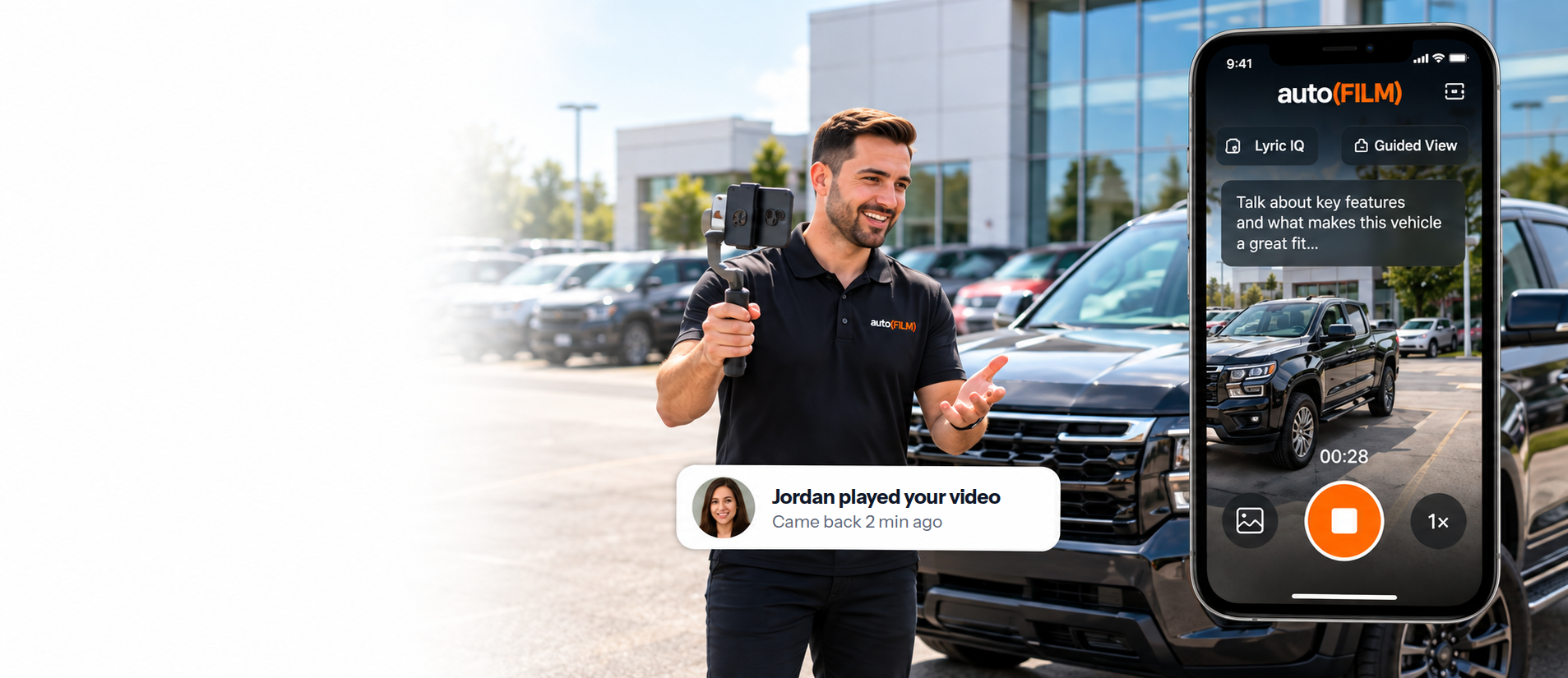
Step 1: Open the lead
Customer and vehicle information are ready.
-
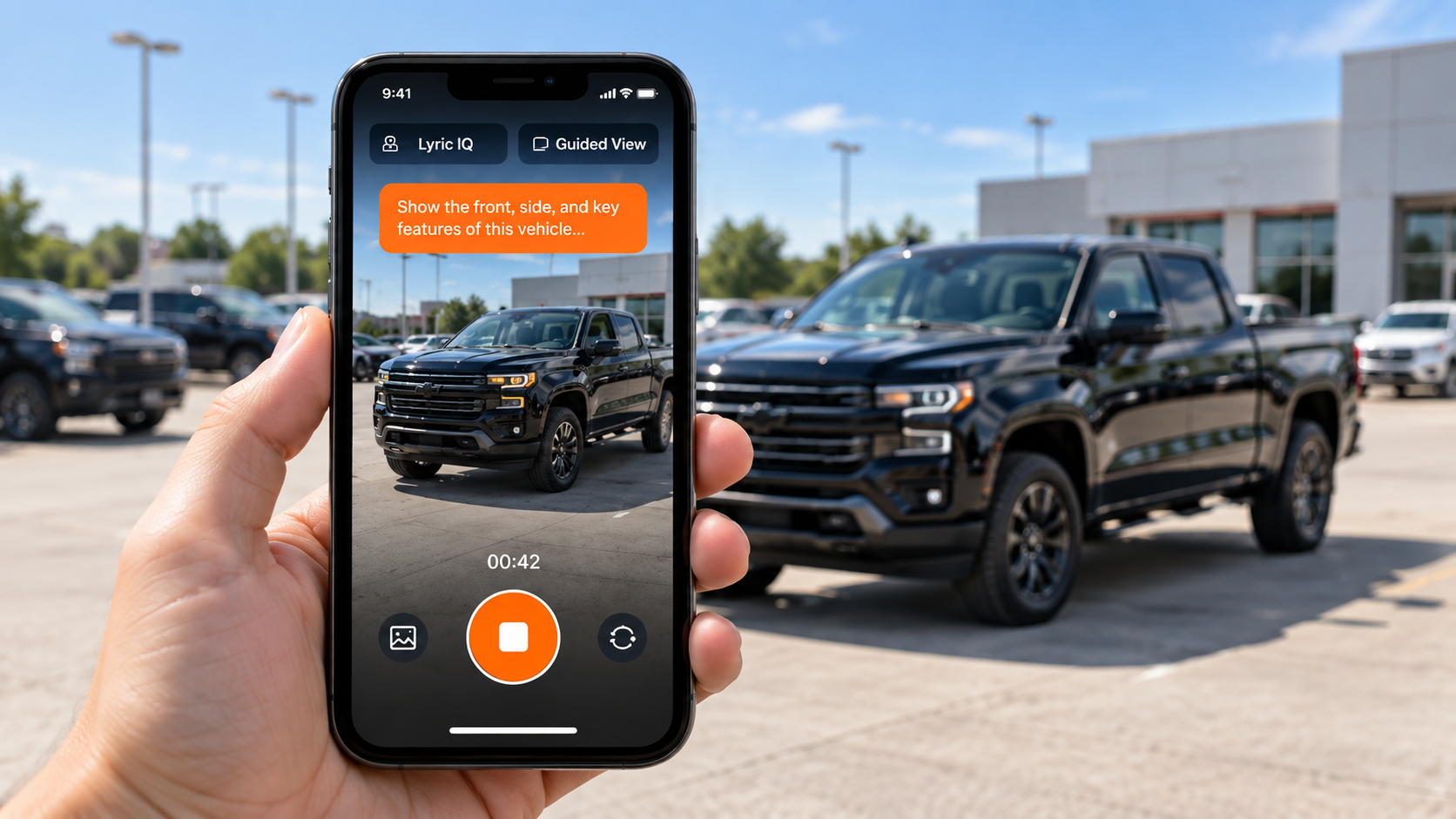
Step 2: Follow Lyric IQ and Guided View
Lyric IQ offers talking points for the exact vehicle, and Guided View leads the salesperson around it while recording.
-
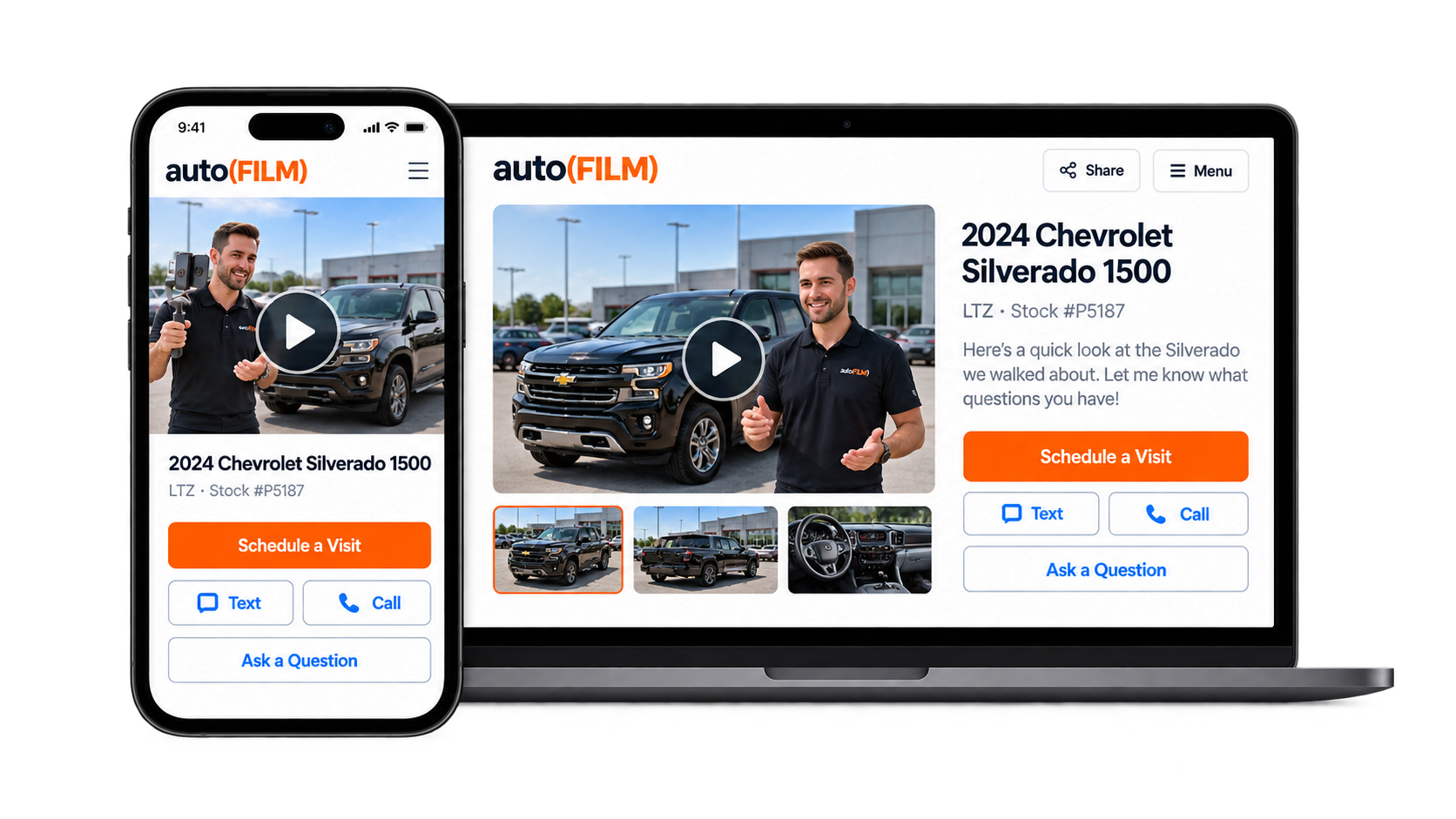
Step 3: Send the branded experience
The salesperson sends it by text: a branded page with their personal video and the exact vehicle.
-
Step 4: Customer engages
AutoFilm records what the customer does on the page: opening it, playing the video, coming back, and tapping Schedule a Test Drive, Text or Call.
-
Step 5: Salesperson acts on the signal
Needs You Now lists customers with recent activity and the reason each one is there. The salesperson chooses the next step: a text or a call.
A sample Needs You Now card: Morgan R., a 2024 pickup, is listed because they tapped Schedule a Test Drive on the video page. Two signals: played the video, and came back twice. The next step is the salesperson’s: a text or a call.
-
Step 6: Manager coaches and improves the process
Managers see videos sent, plays and button taps for each salesperson, and coach the team from what they see. AutoFilm shows the activity; it does not grade anyone.
A sample of the manager’s report for one salesperson, Alex M.: videos sent, pages opened, videos played and button taps, as counts.


